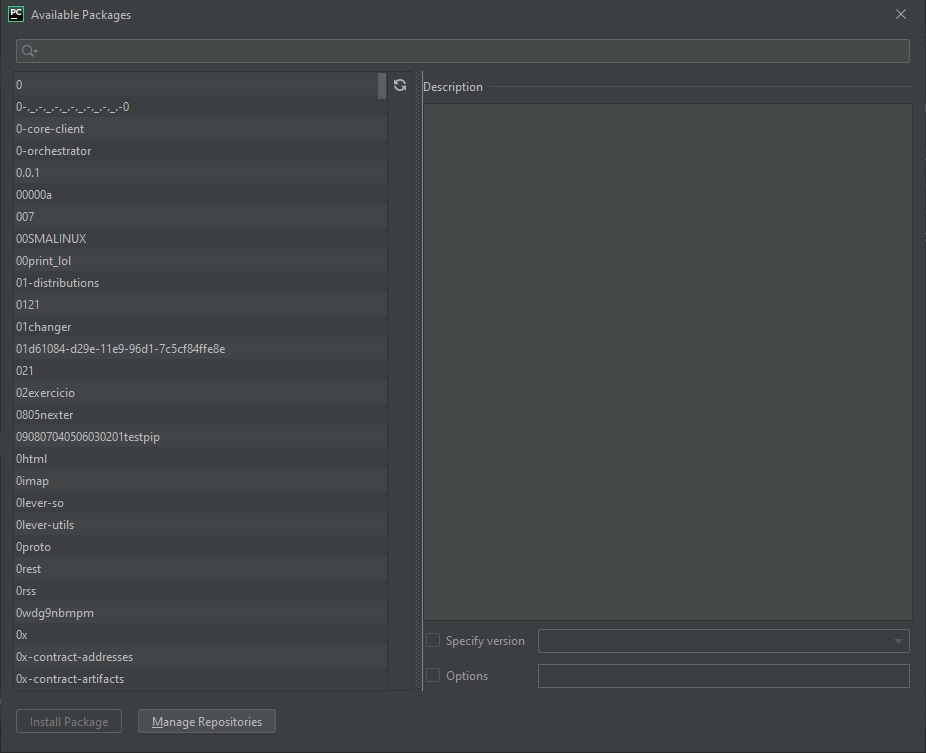
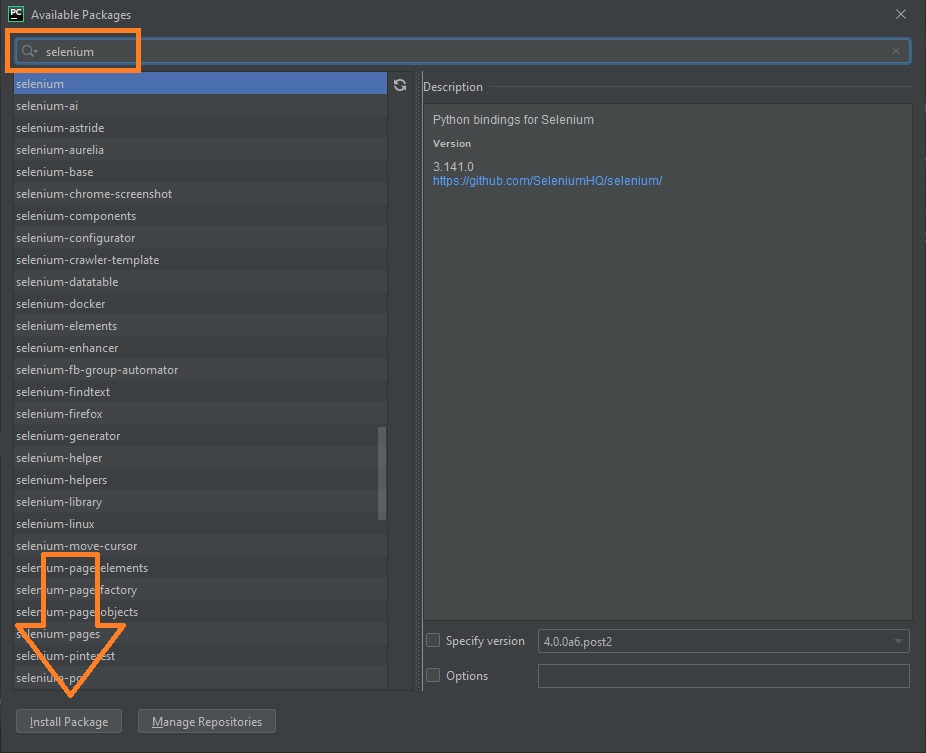
Add Selenium to PyCharm

In PyCharm, open File → Settings (Ctrl + Alt + S) → Project → Python Interpreter.
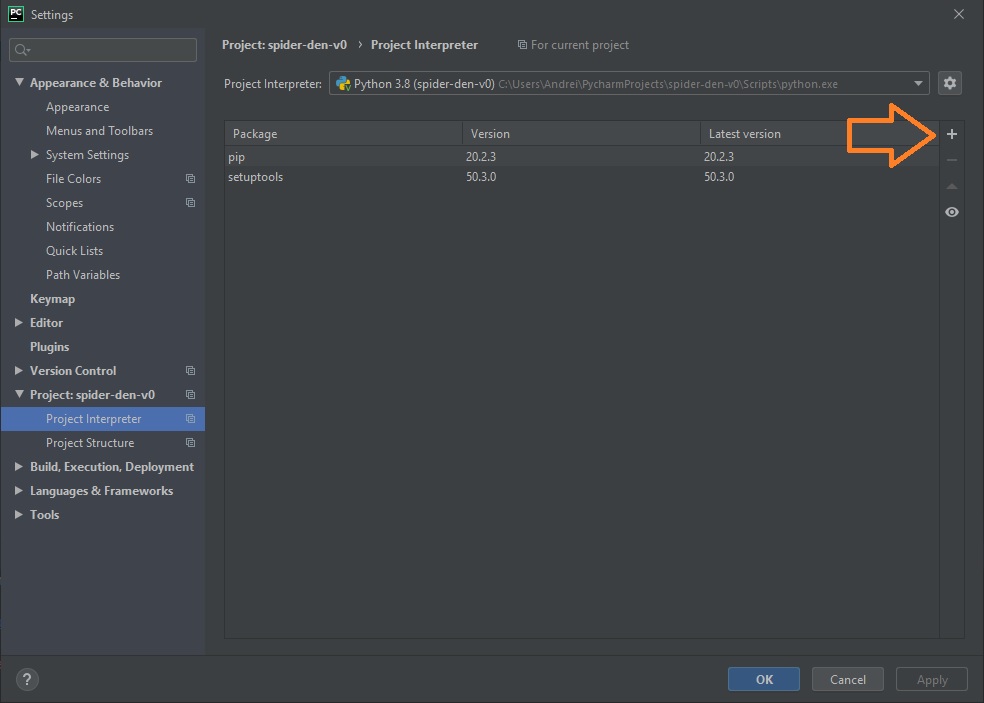
Adding Selenium to PyCharm
Related articles
Selenium
Basics: WebDriver, selectors and errors
Basic test form
Spider test form
Selenium with Python
Selenium with Java
Software Testing

Search this site

Channel @aofeed Chat @aofeedchat

Contacts and cooperation:
I recommend our hosting beget.ru
Write to info@urn.su, info@aredel.com if you:
1. Want to write an article for our site or translate an article into your native language.
2. Want to place thematically relevant ads on the site.
3. Ads on my site pass maximum censorship. If you see an ad block unsuitable for school-age children, shocking or misleading - please contact us by e-mail
4. Found a mistake, inaccuracy, bug, etc. on the site. ... .......
5. Articles can be shared on social media by clicking a network icon: